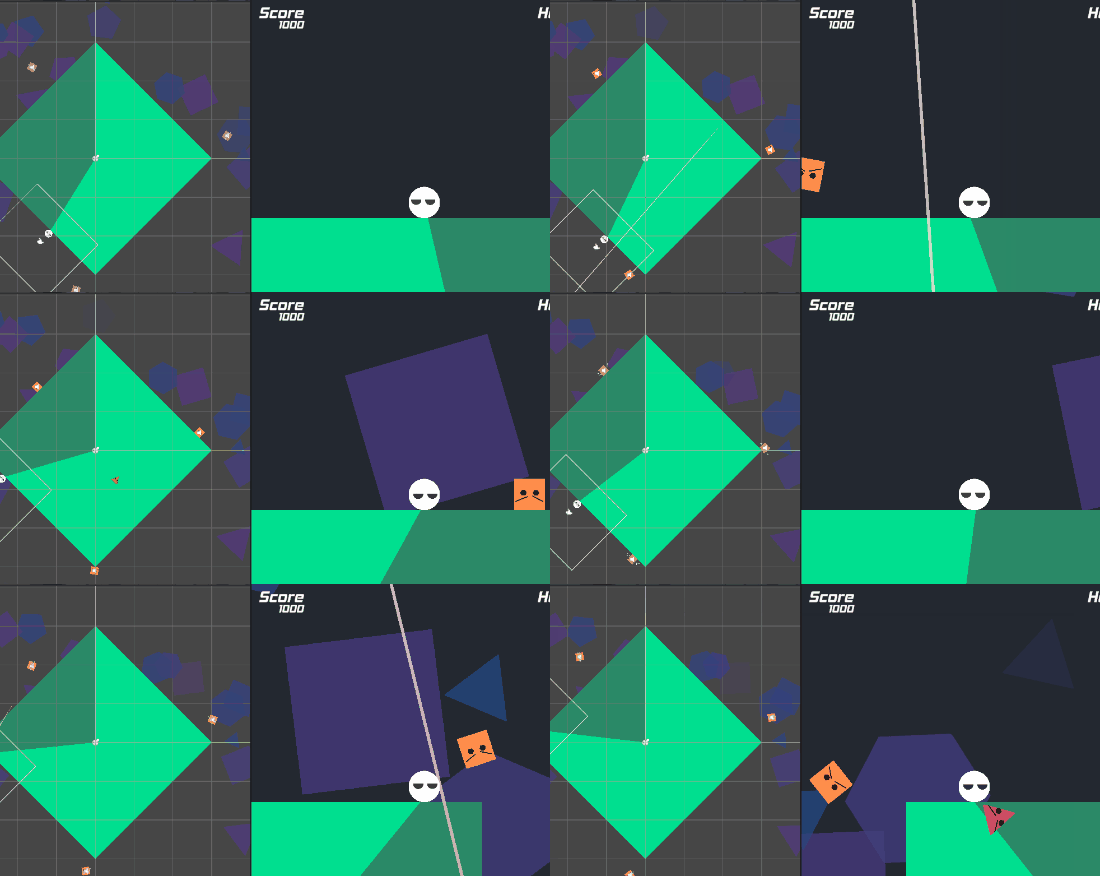
Planet Bevel
🎮 Link to game (Play in browser): https://wonderful-k-j.itch.io/planet-bevel
The Game Jam
This was my submission to the 2025 Game Maker’s Toolkit game jam. Everything, the code, art and sfx, was made by me (except for music). The theme for the jam was Loop, and after tinkering with different ideas for about 30 minutes I decided to make a game where you loop around a planet. I added a spin to this idea by making the planet a new shape every time you loop.
Every loop would add a corner to the shape and also add points to the score counter, thus making the goal of the game to gradually smooth out the planet. To reinforce this idea, I made the player a circle character and the enemies various sharper shapes like triangles and squares.
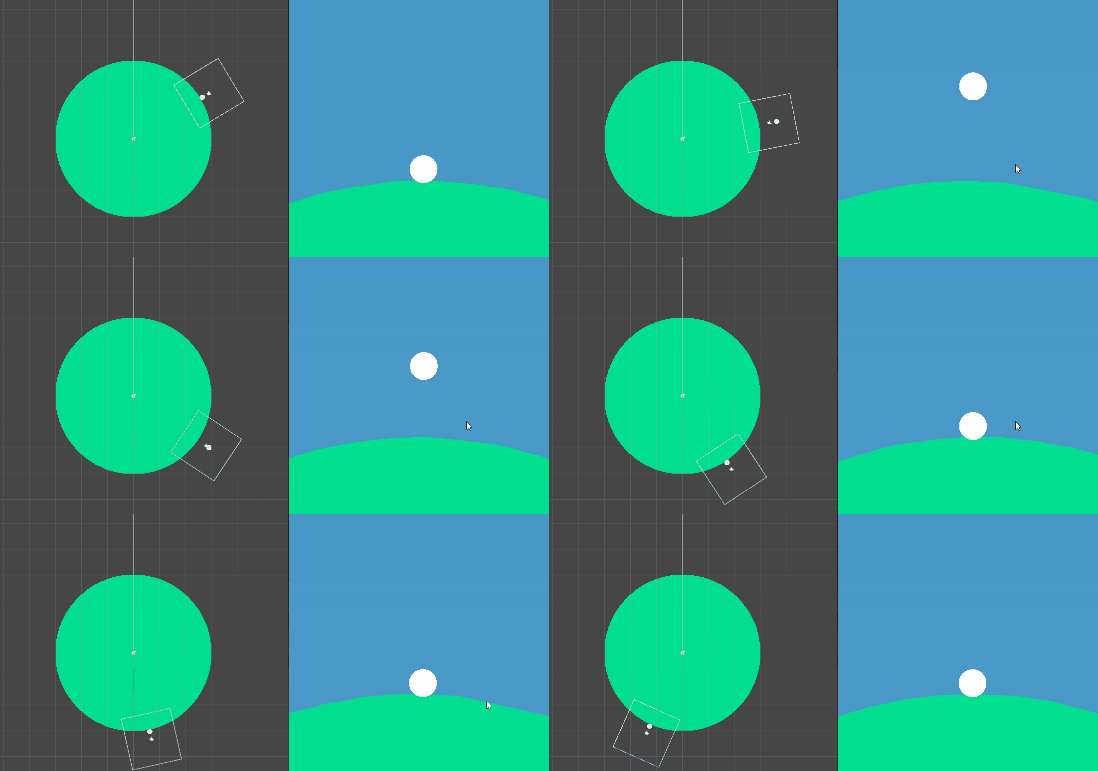
By this point I was very experienced with game jams, so I knew how to plan things out and divide up the time I had. I would start by making a basic player that could move and jump around a spherical planet, and a camera that followed and was oriented correctly.
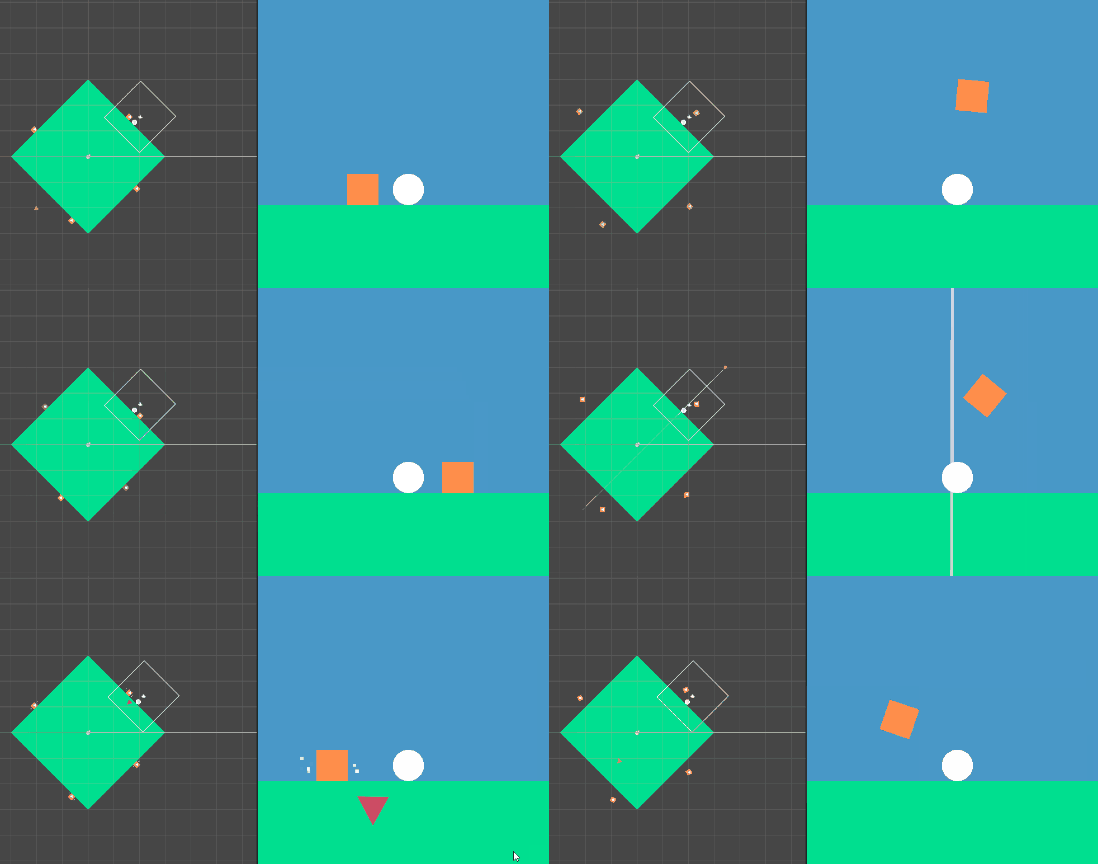
Then would then make the planet script, so that I could decide what shape the planet should be. I also started working on the enemies. I planned for the enemies to have different movements depending on their shape, but their behavior would still be simple.
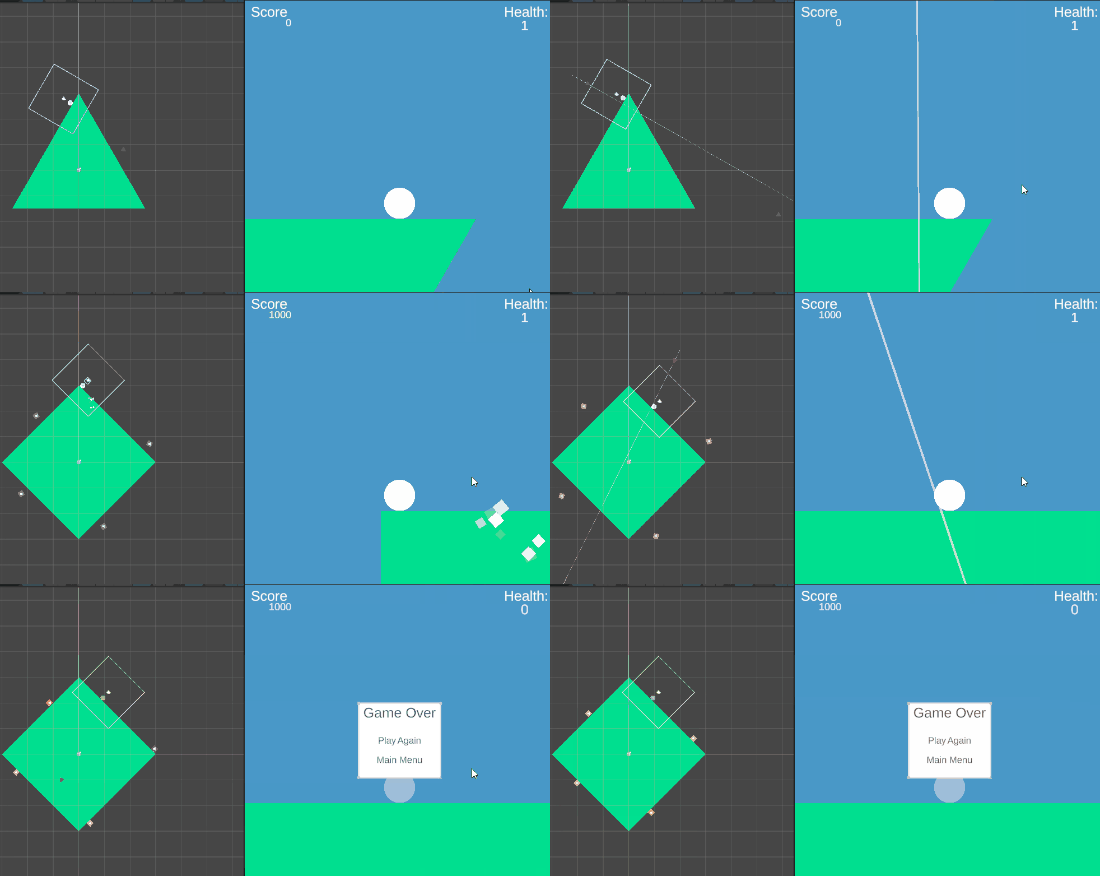
Finally I would finish the base game by adding score functionality, functionality for the planet to alter shape every loop and a death screen menu.
Because I did not overscope on the base game, I still had 2 days left on the deadline which gave me a lot of time to polish the game. I added faces to the enemies and the player, screenshake and background particles, all of which made the game feel more alive.
I could also playtest a lot and adjust the spawn rate of enemies. It was during my playtesting that I realised the core gameplay loop lacked variation. I solved this by adding a simple but fast-paced “circle time” segment, that would temporarily make enemies desturctible.
When the game was complete I had 24 hours left, which gave me time to upload the game to itch, ensure the webgl build worked properly and double check any major bugs. Although I could probably have made more enemies or added more mechanics, I was more satisfied with spending the extra time on polishing instead.
The Planet
When moving around the planet, gravity is applied towards the closest point. On a spherical planet it is always a vector towards the center of the planet, so that’s why I started with a circle planet.
The player is rotated so that the up vector on the transform is oposite to gravity. The camera also copies this rotation, but smoothly rotates towards it using Slerp.
 1Quaternion targetRotation = Player.Instance.transform.rotation;
 2
 3if(Quaternion.Angle(transform.rotation, targetRotation) < 5f)
 4{
 5    transform.rotation = targetRotation;
 6}
 7else
 8{
 9    transform.rotation = Quaternion.Slerp(transform.rotation, targetRotation, rotateSpeed * Time.deltaTime);
10}
The tricky part comes when creating a non spherical planet. To keep it simple, I made a function that would generate a mesh based on how many corners the shape should have. This works by calculating vertices by incrementing an angle variable and using sin and cosine to get the position. Calculating the triangles can also be simplified to going through every vertex and linking it with the one at the center of the planet and the next one clockwise.
 1public static Mesh GenerateMeshShape(int aCornerCount,float aRadius = 1f)
 2{
 3    int numVertices = aCornerCount + 1;
 4    Vector3[] vertices = new Vector3[numVertices];
 5    int[] tris = new int[numVertices * 3];
 6
 7    float angleIncrement = Mathf.PI * 2f / aCornerCount;
 8
 9    vertices[0] = Vector3.zero;
10
11    float currentAngle = Mathf.PI / 2f;
12
13    for (int i = 1; i < numVertices; i++)
14    {
15        vertices[i] = new Vector3(Mathf.Cos(currentAngle), Mathf.Sin(currentAngle), 0f) * aRadius;
16        currentAngle += angleIncrement;
17    }
18
19    for (int i = 0; i < aCornerCount; i++)
20    {
21        tris[i * 3] = 0;
22        tris[i * 3 + 1] = i + 1;
23        tris[i * 3 + 2] = i + 2 == numVertices ? 1 : i + 2;
24    }
25
26    Mesh mesh = new();
27    mesh.vertices = vertices;
28    mesh.triangles = tris;
29    mesh.RecalculateNormals();
30
31    return mesh;
32}
Creating a collider for the mesh is straightforward, since Unity already has a PolygonCollider2D. That collider class also has a function for getting the closest point on the collider, making the gravity part also easy to implement.
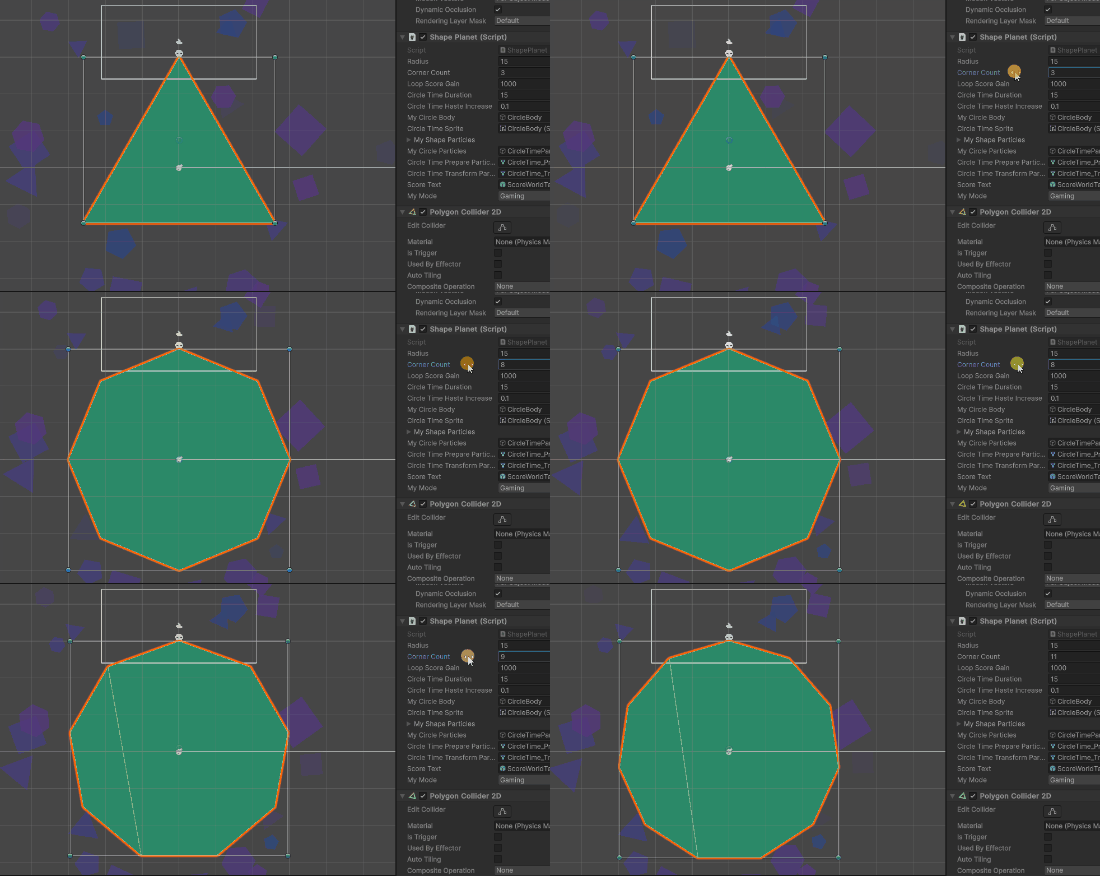
Lastly, to get the progress of how much the player has traveled around the planet I calculate the angle between the world up vector and the vector from the center to the closest point of the planet. I then compare this with the previous frame’s angle, to check both if the player has completed a loop and if the player tries to cheat by going left.
 1Vector3 playerDir = (Player.Instance.GravityPoint).normalized;
 2float angle = Vector3.Angle(Vector3.up, playerDir);
 3if (Player.Instance.GravityPoint.x < 0f)
 4{
 5    angle = 360f - angle;
 6}
 7
 8float delta = angle - myPlayerProgress;
 9
10if (delta < -180f)
11{
12    OnLoopCompleted();
13}
14else if (delta < 20f)
15{
16    myPlayerProgress = angle;
17}
18else
19{
20    myPlayerOnWrongSide = true;
21}
I also use this progress value in the planets sprite shader for the progress effect.
1float materialValue = Mathf.Clamp01(Mathf.Max(myPlayerProgress / 360f, myProgressRevertTimer));
2myMeshRenderer.material.SetFloat("_Progress", materialValue);
3circleTimeSprite.material.SetFloat("_Progress", materialValue);